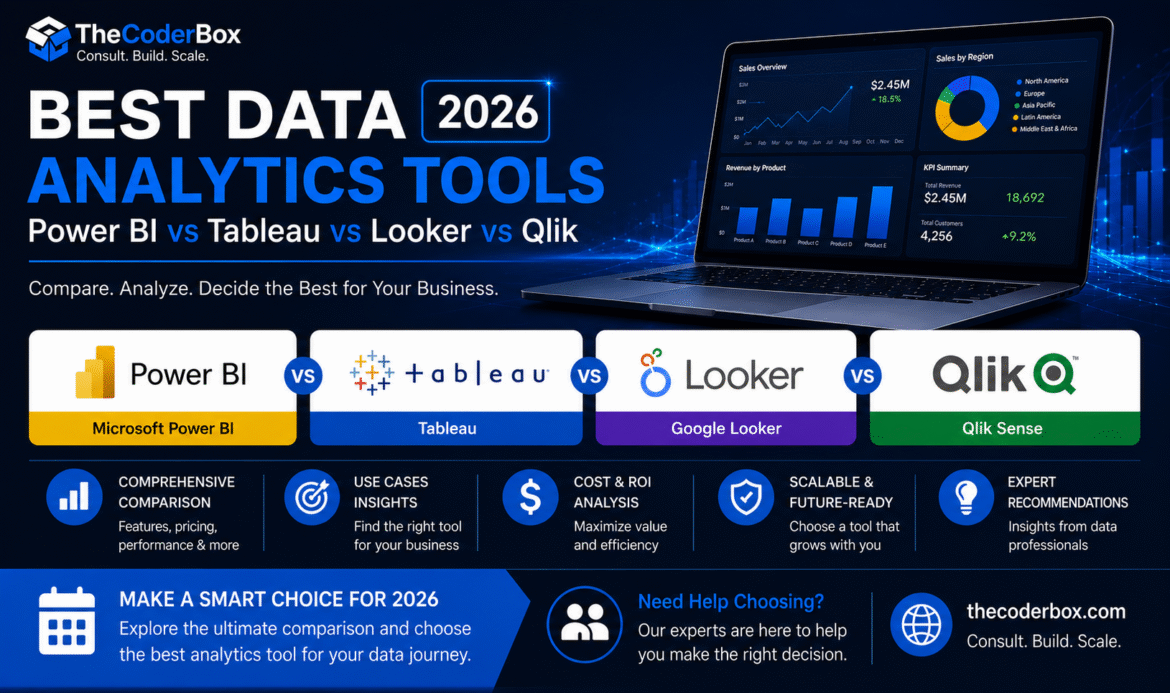
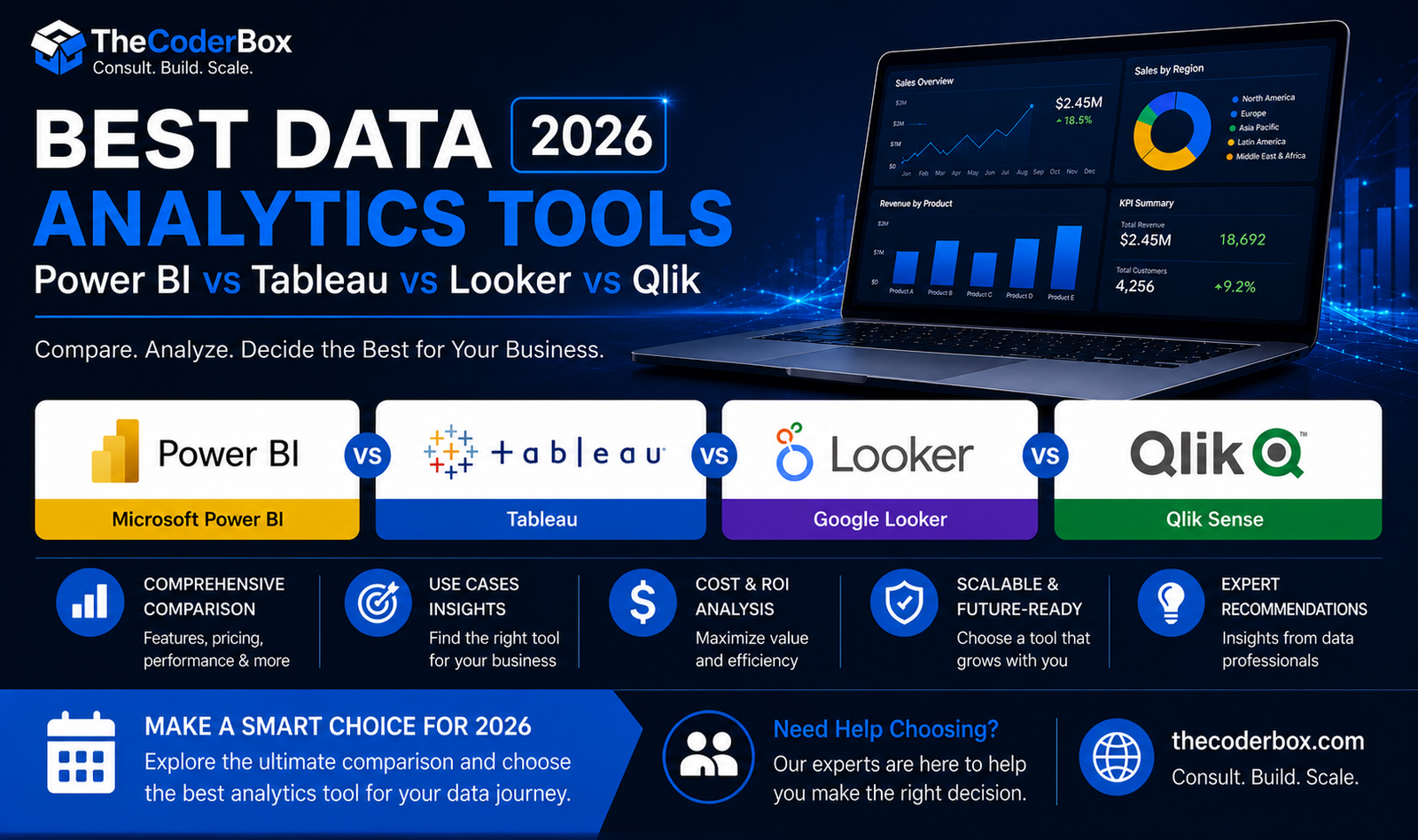
Choosing the wrong analytics platform costs your business time, budget, and competitive ground. Therefore, this guide covers the best data analytics tools 2026 has to offer, ranked by real-world use cases and verified pricing. Furthermore, we compare Power BI vs Tableau, Looker, Qlik, Snowflake, and BigQuery side by side. Consequently, you can make a confident, data-backed platform decision for your organization.
Moreover, the analytics tool landscape in 2026 has shifted dramatically toward cloud-native, AI-augmented platforms. Additionally, pricing models have become more modular, making data analytics software pricing more complex to compare without expert guidance. So, whether you are a startup, mid-market, or enterprise, this comparison gives you the clarity to choose wisely.
How to Choose the Right Data Analytics Tool for Your Business?
Selecting the right platform from the best data analytics tools 2026 offers requires evaluating four core dimensions. Specifically, budget, team skill set, data volume, and integration ecosystem all directly affect your final choice.
Key Factors: Budget, Team Skill Set, Data Volume & Integration Needs
- Budget: Monthly platform costs range from free open-source tiers to $50,000+ enterprise contracts.
- Skill Set: Low-code tools like Power BI suit business analysts, while Looker requires LookML expertise.
- Data Volume: Sub-100GB workloads run fine on Metabase; petabyte-scale demands Snowflake or BigQuery.
- Integrations: Consider your existing CRM, ERP, and cloud provider before committing to a platform.
Open-Source vs. Commercial Analytics Platforms: Pros and Cons
Furthermore, open-source platforms like Metabase and Apache Superset offer zero licensing cost. However, they require internal engineering resources for deployment, maintenance, and security patching. In contrast, commercial platforms like Tableau and Power BI include support, governance, and compliance tooling. Therefore, the right choice depends on your internal capability and long-term total cost of ownership.
Cloud-Native vs. On-Premise Analytics: Total Cost of Ownership
Additionally, cloud-native analytics eliminate upfront hardware capital expenditure entirely. Moreover, platforms like Looker and Power BI Premium scale consumption-based with your data growth. Consequently, on-premise deployments only make economic sense for highly regulated, air-gapped environments. Our data analytics platform comparison service provides a detailed TCO model for your specific infrastructure profile.
When to Outsource Analytics vs. Build In-House Capability?
Furthermore, not every organization has the bandwidth to build an internal analytics engineering team. Therefore, outsourcing to a specialist like TheCoderBox accelerates time-to-insight by three to six months. However, once your platform is stable, we transfer knowledge so your team can operate independently. As a result, you get speed now and self-sufficiency later.
|
🎯 Get TheCoderBox’s Free Tool Selection Consultation Not sure which platform fits your business? Our architects map your requirements to the best analytics stack in a 45-minute session. Book Your Free Consultation → thecoderbox.com/tool-selection |
BI & Visualization Tool Deep Dive
Microsoft Power BI: Features, Pricing & Best Use Cases in 2026
Power BI remains the most widely adopted BI tool globally due to its Microsoft 365 integration. Specifically, it connects natively to Excel, Azure, Teams, and the entire Microsoft data ecosystem. Furthermore, Power BI Copilot in 2026 enables natural language querying across all connected data sources. Therefore, it is the top choice for organizations already running Microsoft infrastructure.
Power BI Pro vs. Premium Per User vs. Embedded: Licensing Guide
Moreover, Power BI’s tiered licensing model creates confusion for first-time buyers. Specifically, Pro costs $10 per user per month and suits small collaborative analytics teams. However, Premium Per User at $20/month unlocks AI visuals, larger datasets, and paginated reports. Additionally, Embedded licensing is ideal for ISVs building analytics inside SaaS applications.
Power BI Strengths and Limitations Compared to Tableau
Consequently, in the power bi vs tableau comparison, Power BI wins on price and Microsoft integration breadth. However, Tableau outperforms Power BI significantly on visualization flexibility and data storytelling depth. Furthermore, Tableau’s Prep Builder is more powerful than Power Query for complex data transformation. Therefore, teams prioritizing visual polish and presentation quality consistently prefer Tableau.
Tableau: Features, Pricing & When It Beats Power BI
Additionally, Tableau’s drag-and-drop interface remains the gold standard for self-service exploration. Furthermore, Tableau Pulse in 2026 delivers AI-generated insight summaries directly to Slack and email. Moreover, Tableau’s connectors span 100+ native data sources, including Salesforce, Snowflake, and Redshift. Consequently, it is the preferred platform for data-mature organizations with dedicated analyst teams.
Tableau Creator vs. Explorer vs. Viewer: Role-Based Licensing
- Creator ($75/mo): Full access to Tableau Desktop, Prep, and Server or Cloud publishing.
- Explorer ($42/mo): Web-based analysis and dashboard creation without Desktop access.
- Viewer ($15/mo): Consume and interact with published dashboards only — ideal for executives.
Looker (Google Data Studio Pro): Best for Google Cloud Users
Furthermore, Looker is uniquely positioned as the semantic layer leader in the Google Cloud ecosystem. Specifically, LookML defines centralized business logic that all reports consume consistently. Moreover, in the LookML vs. DAX vs. SQL comparison, LookML provides the most governed reusable model. Therefore, organizations running BigQuery as their primary warehouse gain the most from Looker adoption.
Qlik Sense: Best for Associative Analytics Discovery
Additionally, Qlik’s associative engine allows analysts to explore data relationships outside predefined queries. Consequently, it surfaces hidden correlations that traditional BI tools with SQL-based models miss entirely. Furthermore, Qlik AutoML enables no-code predictive analytics directly within the Qlik Sense interface. Therefore, it is the strongest choice for business users who need exploratory, hypothesis-driven analytics.
Big Data & Cloud Platform Comparison Snowflake vs. Google BigQuery vs. Amazon Redshift: 2026 Comparison
The snowflake vs bigquery debate is the most common infrastructure question we receive from enterprise clients. Consequently, the right choice depends heavily on your existing cloud provider and workload pattern.
|
Feature |
Snowflake |
BigQuery |
Redshift |
|
Pricing Model |
Credit-based compute |
On-demand / Flat-rate |
Reserved nodes |
|
Storage Cost |
$23/TB/month |
$20/TB/month |
$24.4/TB/month |
|
ML Integration |
Snowpark ML |
BigQuery ML (native) |
Amazon SageMaker |
|
Best For |
Multi-cloud workloads |
Google Cloud users |
AWS-native stacks |
|
Concurrency |
Unlimited clusters |
Serverless auto-scale |
Manual WLM config |
|
Data Sharing |
Native Marketplace |
Analytics Hub |
AWS Data Exchange |
Databricks vs. Azure Synapse vs. AWS EMR: Which Is Right for You?
Furthermore, for ML-heavy workloads, Databricks consistently outperforms both Azure Synapse and AWS EMR. Specifically, Databricks Unity Catalog provides the most mature data governance layer across all three. However, Azure Synapse is the strongest choice for Microsoft-first enterprises using Azure Active Directory. Moreover, AWS EMR offers the lowest cost for transient Spark clusters running batch workloads on S3.
Apache Spark on Databricks vs. Native Cloud Managed Services
Additionally, Apache Spark on Databricks delivers superior performance through Photon engine acceleration. Consequently, Databricks benchmarks show 2–8x faster query execution versus standard open-source Spark. Furthermore, Delta Lake on Databricks provides ACID transactions and time-travel natively on object storage. Therefore, data engineering teams that prioritize performance and lakehouse architecture choose Databricks first.
Recommended Tool Stacks by Business Size
Moreover, the best data analytics tools 2026 vary significantly based on your organization’s size and budget. Therefore, we have built three reference stacks validated across TheCoderBox client engagements.
|
🚀 Startup Analytics Stack Budget: Under $500/month |
|
✦ Metabase (Open Source) — Self-service BI with no per-seat licensing cost ✦ PostgreSQL — Reliable, open-source OLAP-capable transactional database ✦ Google Sheets — Lightweight reporting layer for non-technical stakeholders ✦ Why: Zero licensing cost, fast deployment, minimal infrastructure overhead |
|
📈 Mid-Market Analytics Stack Budget: $500–$5,000/month |
|
✦ Power BI Pro — Governed self-service BI tightly integrated with Microsoft 365 ✦ Snowflake — Scalable cloud data warehouse with pay-per-query pricing flexibility ✦ dbt Core — Version-controlled SQL transformation layer with automated testing ✦ Fivetran — No-code ELT pipeline connectors for 500+ data sources ✦ Why: Enterprise governance at mid-market cost with strong Microsoft ecosystem alignment |
|
🏢 Enterprise Analytics Stack Budget: $5,000+/month |
|
✦ Databricks — Unified lakehouse platform for ML, streaming, and batch workloads ✦ Tableau — Gold-standard visualization with embedded analytics for external users ✦ Apache Kafka — Real-time event streaming for fraud detection and personalization ✦ Azure ML — Enterprise MLOps platform with CI/CD deployment pipelines ✦ Why: Maximum scalability, real-time capability, and enterprise governance at global scale |
Furthermore, all enterprise stacks must include governance, security, and compliance controls. Specifically, role-based access control, column-level encryption, and audit logging are non-negotiable. Additionally, GDPR, SOC 2, and HIPAA readiness must be validated before production deployment. Therefore, TheCoderBox reviews every stack recommendation against your regulatory obligations first.
Talk to a TheCoderBox Architect — Get a Personalized Stack Recommendation
Ultimately, no generic comparison replaces an expert assessment of your specific data environment. Therefore, TheCoderBox architects analyze your workloads, team capabilities, and budget constraints together. Furthermore, we deliver a prioritized, vendor-neutral stack recommendation within five business days. Consequently, you avoid costly platform migrations caused by selecting the wrong best data analytics tools 2026 for your context. So, book your free architect session today and buy with complete confidence.
FAQ
|
Q1 |
What do big data consulting services actually include? |
|
A |
Big data consulting services cover strategy, architecture design, and hands-on engineering delivery. Specifically, a consulting engagement typically starts with a data infrastructure audit. Furthermore, consultants assess your pipelines, warehouses, governance frameworks, and team capability gaps. Additionally, services include platform selection (Snowflake, Databricks, BigQuery), ETL/ELT pipeline development, and data lakehouse architecture. Consequently, you receive a fully documented, production-ready data platform, not just a strategy deck. TheCoderBox also provides knowledge transfer so your in-house team can operate independently post-engagement. |
|
Q2 |
How much do big data consulting services cost? |
|
A |
Big data consulting costs vary significantly based on scope, team size, and engagement model. Specifically, a one-time architecture assessment typically ranges from $3,000 to $10,000. Furthermore, full data warehouse implementation projects range from $25,000 to $150,000+ for enterprise clients. Moreover, ongoing team augmentation — such as when you hire data engineer India through TheCoderBox — costs $25–$55 per hour depending on seniority. Therefore, most mid-market clients spend $5,000–$20,000 per month for dedicated engineering support. Additionally, TheCoderBox offers a free initial architecture workshop to scope cost before commitment. |
|
Q3 |
When should a business hire a big data consulting firm vs. building an in-house team? |
|
A |
Hiring a consulting firm makes more sense when speed to value is the primary objective. Specifically, building an in-house data engineering team takes six to eighteen months of recruiting and onboarding. In contrast, a consulting engagement delivers production pipelines within eight to twelve weeks. Furthermore, consulting firms are cost-effective for project-based needs like a one-time cloud data warehouse migration. However, in-house teams become more economical once your platform is stable and recurring workloads are predictable. Consequently, many clients use TheCoderBox to build and launch, then transition to internal operation over time. |
|
Q4 |
What is the difference between Snowflake, Databricks, and BigQuery for big data workloads? |
|
A |
Snowflake is a multi-cloud data warehouse optimized for SQL analytics with near-unlimited concurrency. Databricks is a unified lakehouse platform built for ML, streaming, and large-scale Spark workloads. BigQuery is Google’s serverless warehouse, best suited for Google Cloud-native stacks with native ML integration. Therefore, the right choice depends on your existing cloud provider, workload type, and team expertise. Specifically, data-science-heavy organizations consistently choose Databricks for its MLflow and Unity Catalog depth. Moreover, our Snowflake implementation services include a platform fit assessment so you select correctly the first time. |
|
Q5 |
How long does a typical data warehouse migration project take? |
|
A |
Project duration depends heavily on data volume, source system complexity, and team availability. However, most mid-market cloud data warehouse migrations complete within eight to sixteen weeks. Specifically, the timeline includes discovery (2 weeks), architecture design (2 weeks), pipeline development (6–8 weeks), and UAT (2 weeks). Furthermore, enterprise migrations involving 50+ data sources and petabyte-scale data may take four to six months. Therefore, TheCoderBox always delivers a detailed migration roadmap during the free discovery workshop. Consequently, you enter every project with clear milestones, defined deliverables, and zero timeline surprises. |
|
Q6 |
Which is better: Power BI or Tableau for business intelligence in 2026? |
|
A |
The Power BI vs Tableau comparison depends entirely on your organization’s priorities and existing technology stack. Specifically, Power BI wins on price ($10–$20/user/month) and Microsoft 365 integration depth. However, Tableau outperforms Power BI on visualization richness, data storytelling, and enterprise scalability. Furthermore, Power BI Copilot in 2026 adds strong AI-driven natural language querying for Microsoft-first teams. In contrast, Tableau Pulse delivers AI insight summaries directly to Slack and email workflows. Therefore, choose Power BI for Microsoft-centric teams on a budget, and Tableau for data-mature organizations. Moreover, TheCoderBox offers a free platform comparison session tailored to your specific use case. |
|
Q7 |
What is the best data analytics tool for a small business with a limited budget? |
|
A |
The best BI tool for small business depends on your team size, technical skill level, and monthly data volume. Specifically, Metabase is the strongest free option for small teams needing self-service dashboards quickly. Furthermore, it connects natively to PostgreSQL, MySQL, and Google Sheets without engineering overhead. Additionally, Power BI Pro at $10/user/month is the best commercial option for Microsoft-using small businesses. However, avoid over-investing in enterprise platforms like Tableau or Looker until your data team grows. Consequently, TheCoderBox recommends the Metabase + PostgreSQL + Google Sheets stack for sub-$500/month budgets. |
|
Q8 |
Snowflake vs. BigQuery: Which cloud data warehouse should I choose in 2026? |
|
A |
The Snowflake vs BigQuery decision primarily hinges on your cloud provider and pricing model preference. Specifically, Snowflake is the better choice for multi-cloud organizations running on AWS, Azure, and GCP simultaneously. In contrast, BigQuery is the stronger option for Google Cloud-native teams wanting serverless, zero-management infrastructure. Furthermore, BigQuery’s flat-rate pricing model is more predictable for organizations with consistent high-volume workloads. However, Snowflake’s per-second credit billing is more cost-efficient for variable, burst-heavy workloads. Moreover, BigQuery ML enables in-database machine learning without moving data to a separate ML platform. Therefore, consult a TheCoderBox architect for a workload-specific cost model before committing to either platform. |
|
Q9 |
How much does enterprise data analytics software cost in 2026? |
|
A |
Data analytics software pricing in 2026 varies widely across platform tiers and licensing models. Specifically, BI tools range from $0 (Metabase open source) to $75/user/month (Tableau Creator). Furthermore, cloud warehouse costs range from $23/TB/month (Snowflake storage) to fully variable BigQuery on-demand pricing. Additionally, enterprise analytics stacks combining Databricks, Tableau, Kafka, and Azure ML typically cost $5,000–$50,000+ per month. However, infrastructure optimization can reduce costs by 30–50% with proper configuration and reserved instance planning. Therefore, TheCoderBox provides detailed platform cost modeling before any purchase or migration decision. Request your free data analytics software pricing consultation → |
|
Q10 |
What is the best data analytics platform for enterprises that need real-time insights? |
|
A |
For real-time analytics, the best enterprise data analytics platform combines a streaming engine with a low-latency serving layer. Specifically, Apache Kafka handles event ingestion at millions of events per second with millisecond latency. Furthermore, Databricks with Delta Live Tables processes and materializes streaming data into governed lakehouse tables. Additionally, Snowflake Dynamic Tables and BigQuery BI Engine both offer near-real-time dashboard refresh capabilities. Moreover, Tableau and Looker both support live database connections for sub-minute dashboard refresh rates. Therefore, the ideal real-time enterprise stack is Kafka + Databricks + Tableau for most regulated industries. Consequently, TheCoderBox architects this exact pattern for financial services, e-commerce, and healthcare clients. |
|
📅 Get Your Personalized Analytics Stack Recommendation — Free Join 200+ companies that trust TheCoderBox for Power BI, Tableau, Snowflake, Databricks, and cloud analytics delivery. No commitment. No vendor bias. Schedule Your Free Session → https://thecoderbox.com/contact-us/ |